Start Monday with a brief
One button on Monday morning reads last week's journal and this week's calendar, and tells you where you stand.
Monday morning has a specific kind of amnesia: you know last week happened, you just can’t produce it on demand. The Monday brief fixes that — every Monday, the journal offers to read your previous week and the week ahead, per company, and give you the across-the-board view before your first standup.
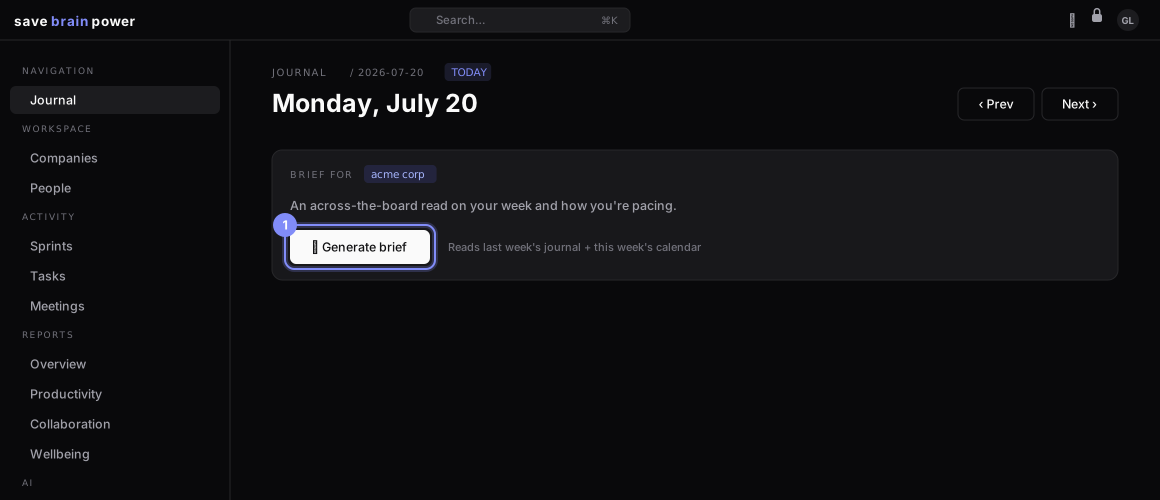
1. Generate it
On any Monday’s journal page, the brief card sits at the top with a company chip and one button: Generate brief. Like all AI here, it runs in your browser with your key — the brief is stored encrypted, one per Monday.
2. Read your week in thirty seconds
The brief comes back in two halves:
- Last week — what shipped, how much you reviewed, and the wellbeing signal you’d otherwise ignore (“burnout crept to 3/5 on Wednesday”).
- This week — the meetings that need something from you, deadlines with your name on them, and the sprint math that says which task is the risk.
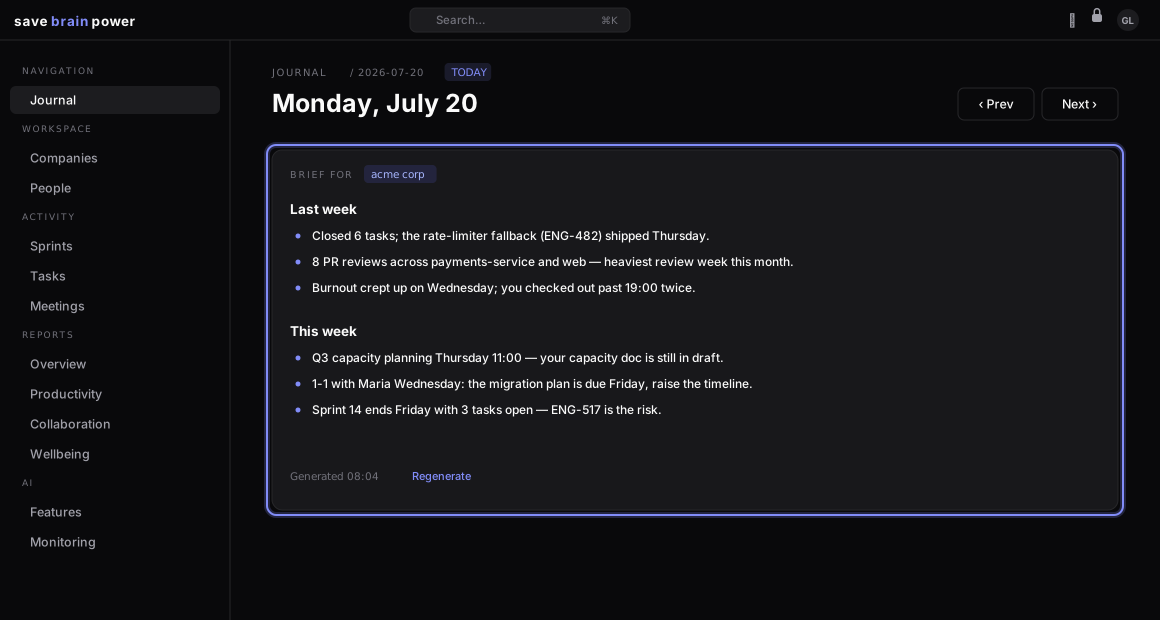
Tip: the brief respects the company filter — filter the journal to one company first and you get that employer’s brief alone. Regenerate anytime; Mondays are rarely done by 9am.
The same machinery, pointed at a whole half-year, becomes your brag doc.