Set up your companies
Companies are the workspaces of your working life — one per employer or client, with tasks, meetings, and tags that never bleed across.
save brain power is built for a career that spans more than one badge. A company is the workspace partition: tasks, sprints, meetings, tags, and integrations all live scoped to one. Your day job, that freelance client, the startup you advise on Thursdays — each gets its own, and switching between them is one click, not one login.
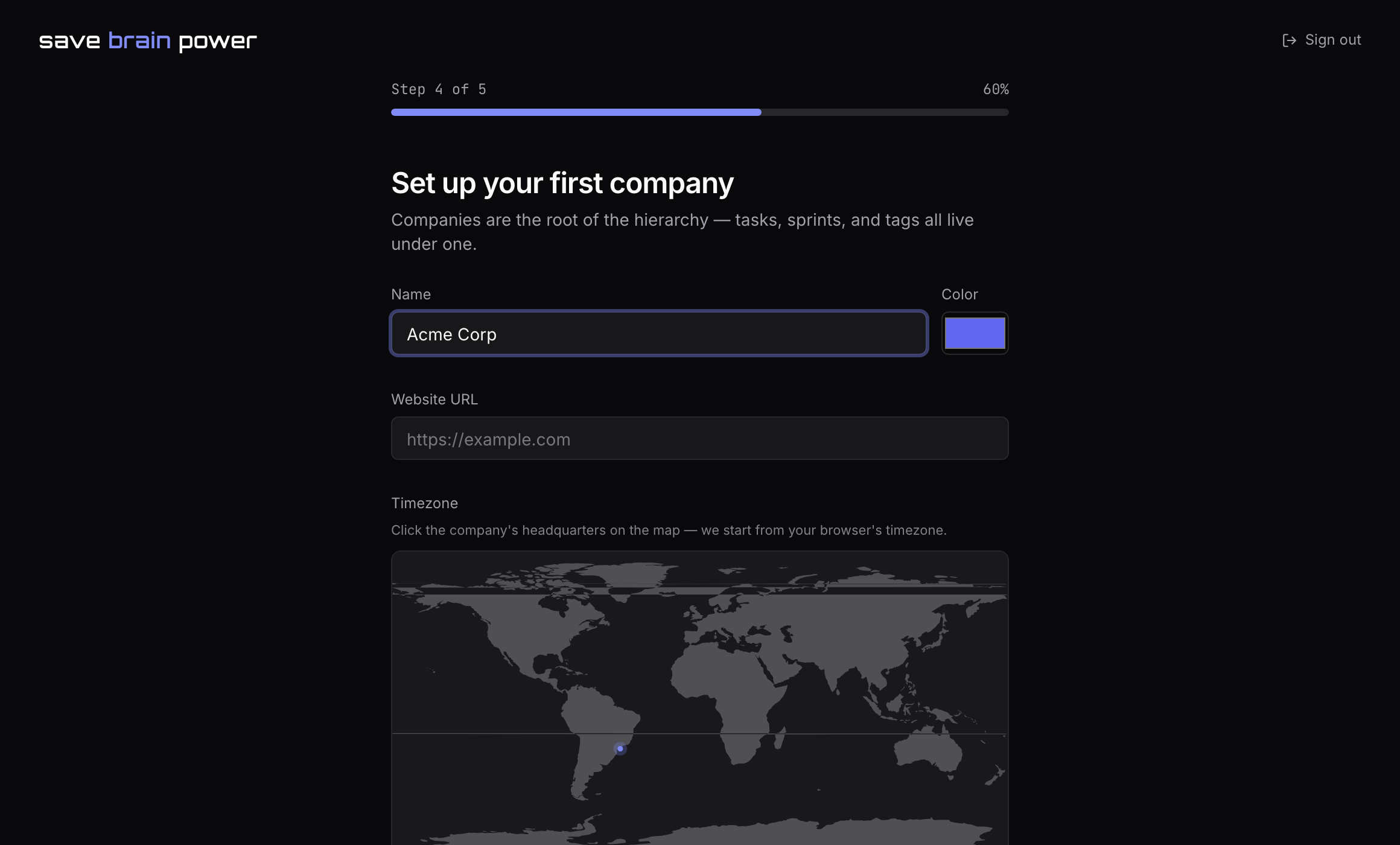
1. Create your first company
Onboarding walks you through this: give the company a name, pick its color (you’ll see it as a chip on everything the company owns), and — this one’s worth the ten seconds — add its email domains.
Domains are how the app matches synced meeting attendees to the right company: when your calendar says [email protected] was in the room, the acme.com domain is what turns her into a person on your Acme roster.
2. Add the rest from the Companies page
Every company after the first comes from Companies in the sidebar → New company. There’s no limit and no per-seat math — a client you’ll work with for six weeks deserves a company too, because six years from now you’ll still want to remember what you shipped there.
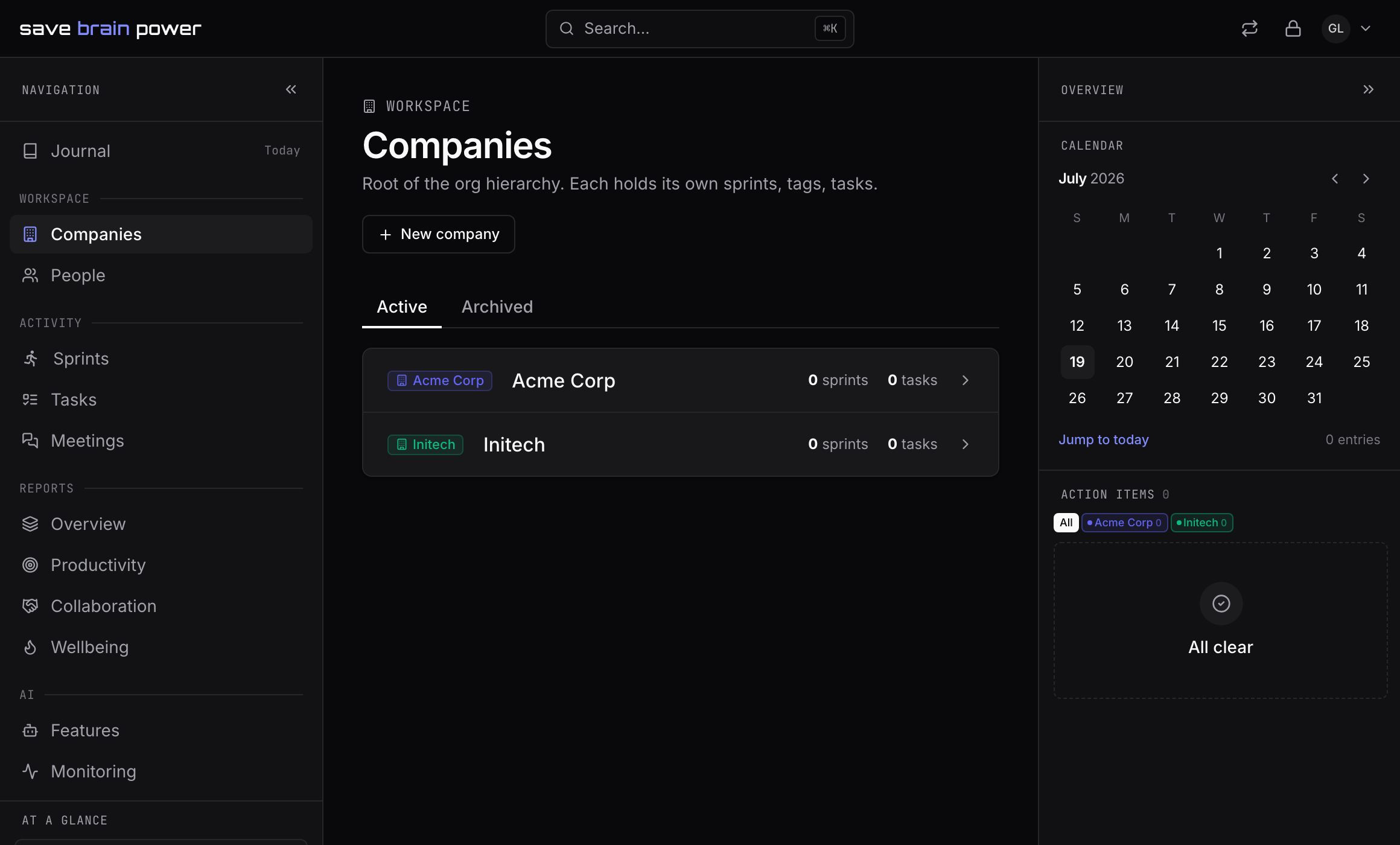
Tip: when a contract ends, archive the company instead of deleting it. Your history stays searchable and exportable — continuity across jobs is the entire point.
3. Filter any view by company
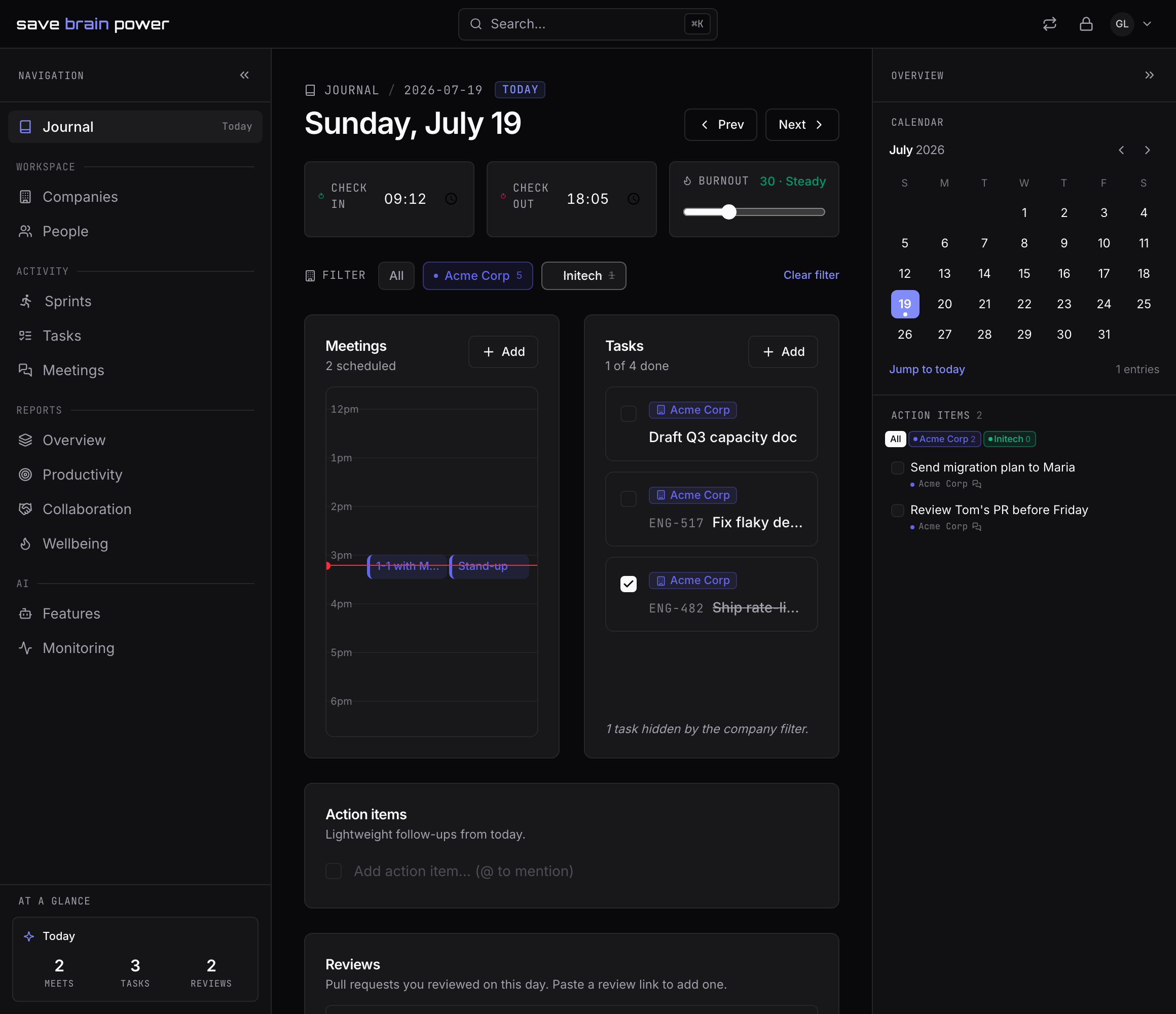
The journal shows all companies interleaved by default — that’s your real day. When you need one employer’s slice, the company filter bar at the top of the journal narrows tasks, meetings, notes, and reviews to that company, and a small hint tells you how many items are hidden.
Now make the journal yours: journal your workday.